Configure TheStaffBook Around Your Company.
Company details, attendance and leave policies, payroll, documents, custom roles and notifications — all configurable from one place.
Set up once. Runs every day.
Your policies are applied automatically across every module.
-
01
Company
Logo and company details.
-
02
Policies
Attendance, leave and payroll.
-
03
Roles
Custom roles and access.
-
04
Notifications
Who is told what, and how.
A closer look at Settings
Real screens from the TheStaffBook app. Click any screenshot to view it in full size.
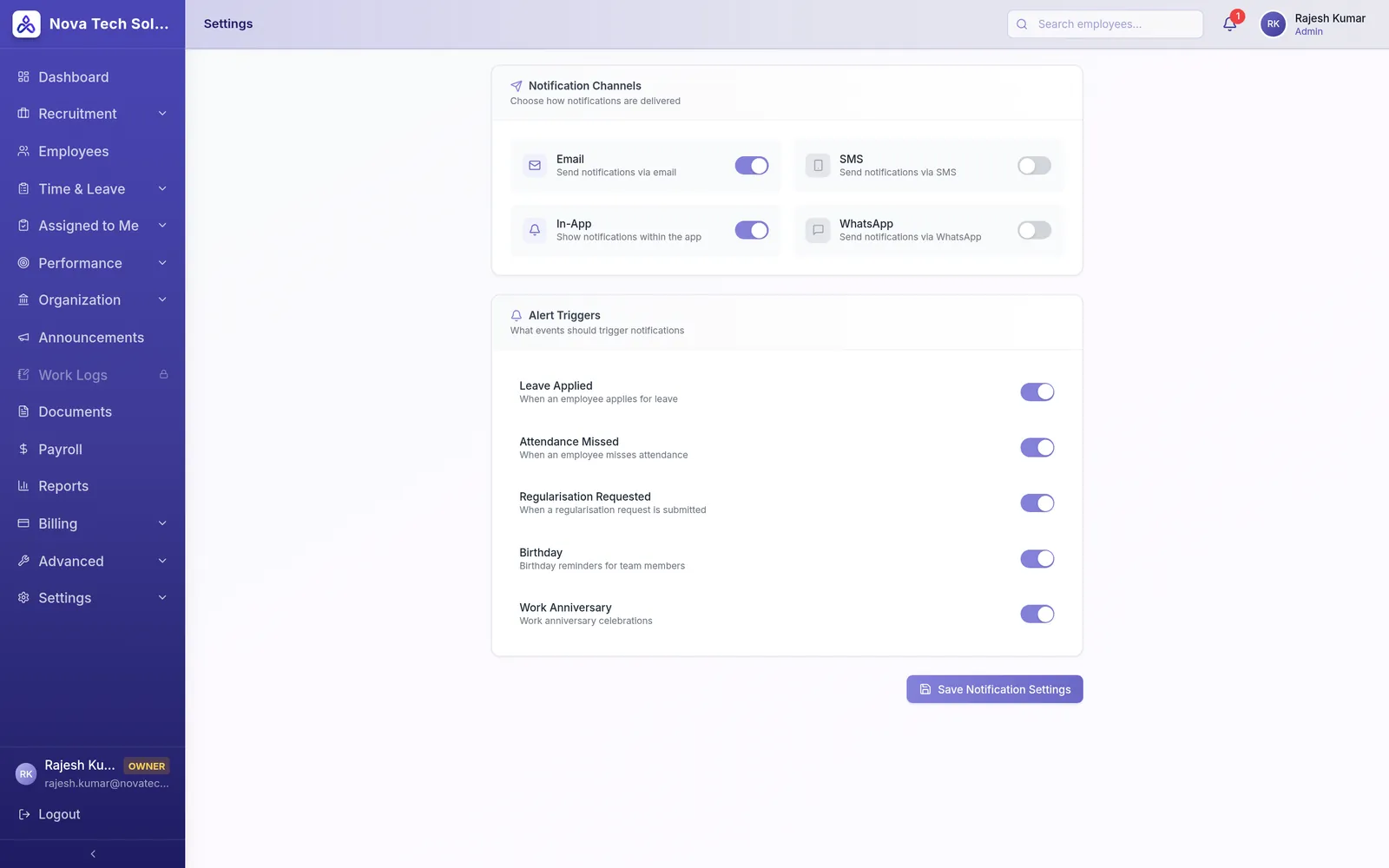
Notifications your way
Choose how people are notified and which events trigger an alert.
- Email and in-app notifications
- Alerts for leave applied, missed attendance and regularization requests
- Birthday and work anniversary reminders
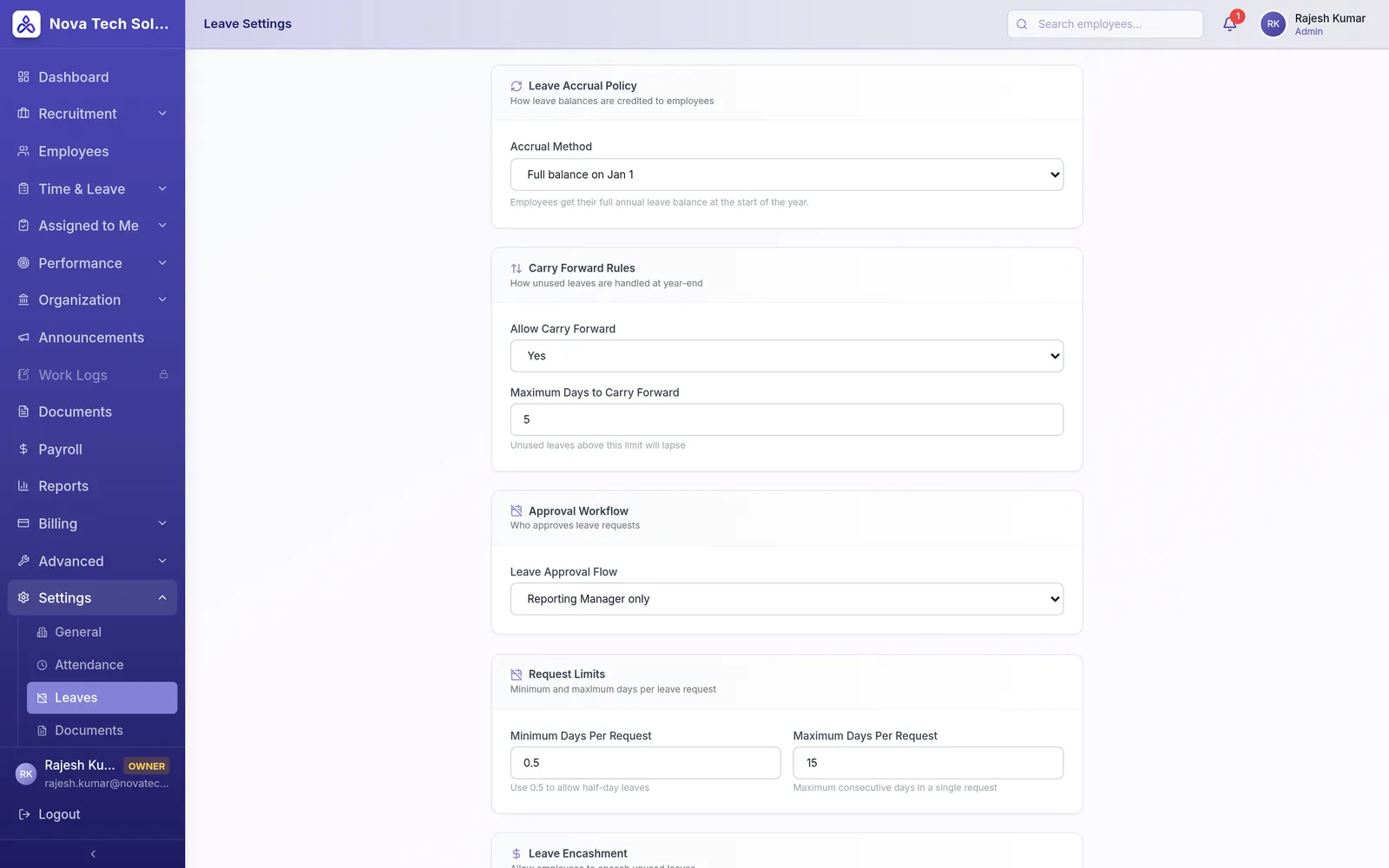
Leave rules in one place
Set how leave is credited, carried forward, approved and encashed.
- Accrual method and carry-forward limits
- Approval workflow through reporting managers
- Minimum and maximum days per request
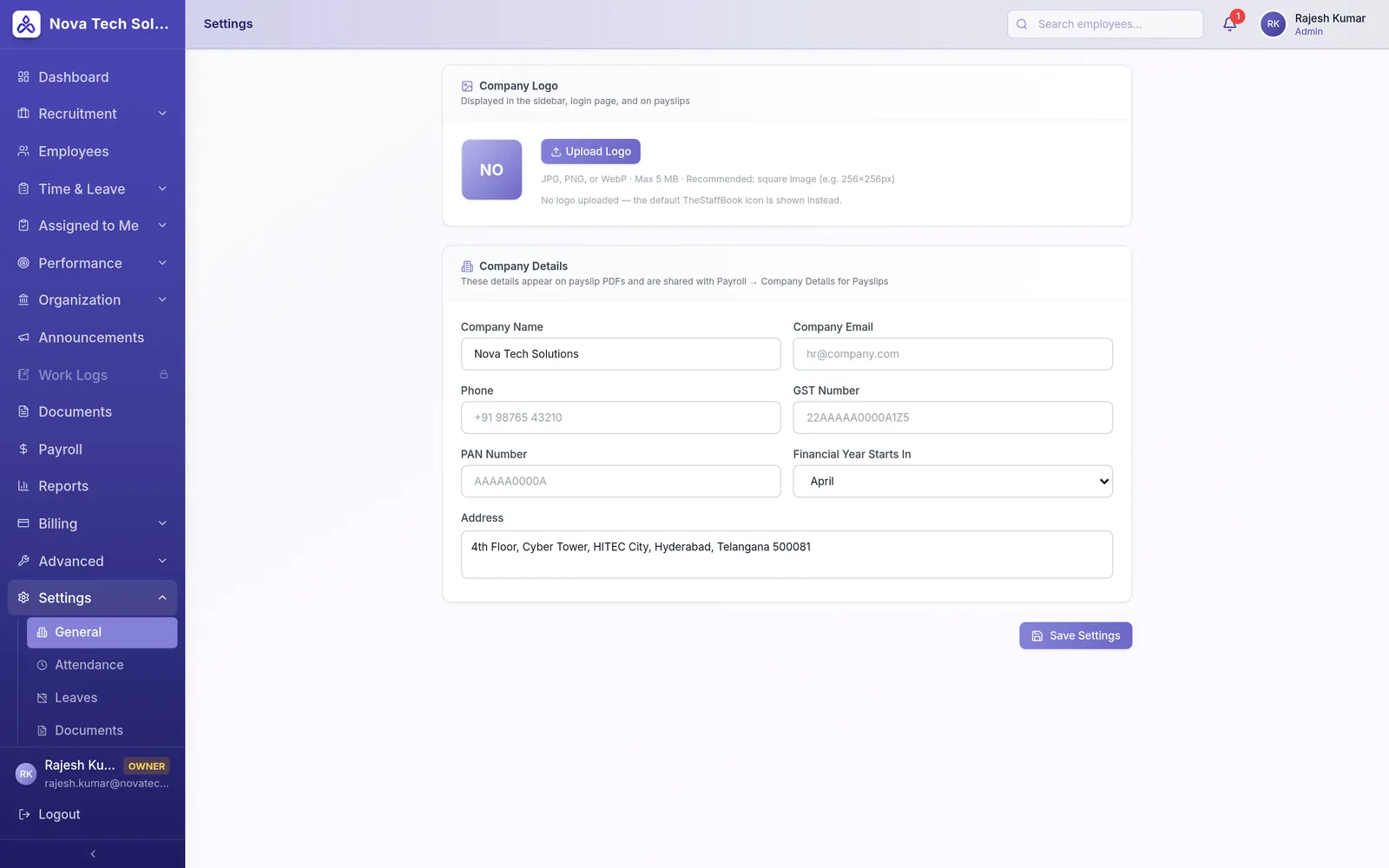
Your company details
Your logo and company details appear across the app and on payslips.
- Company logo for the sidebar, login page and payslips
- GST number, PAN and address
- Financial year start
Everything in Settings
The tools your HR team and employees use every day — simple to learn, powerful when you need it.
-
General Settings
Company logo, contact details, GST, PAN, address and financial year.
-
Attendance Settings
Shift timings, week-offs, check-in method, grace period and late-mark rules.
-
Leave Settings
Accrual, carry forward, approval workflow, request limits and encashment.
-
Payroll Settings
Pay schedules and salary calculation rules.
-
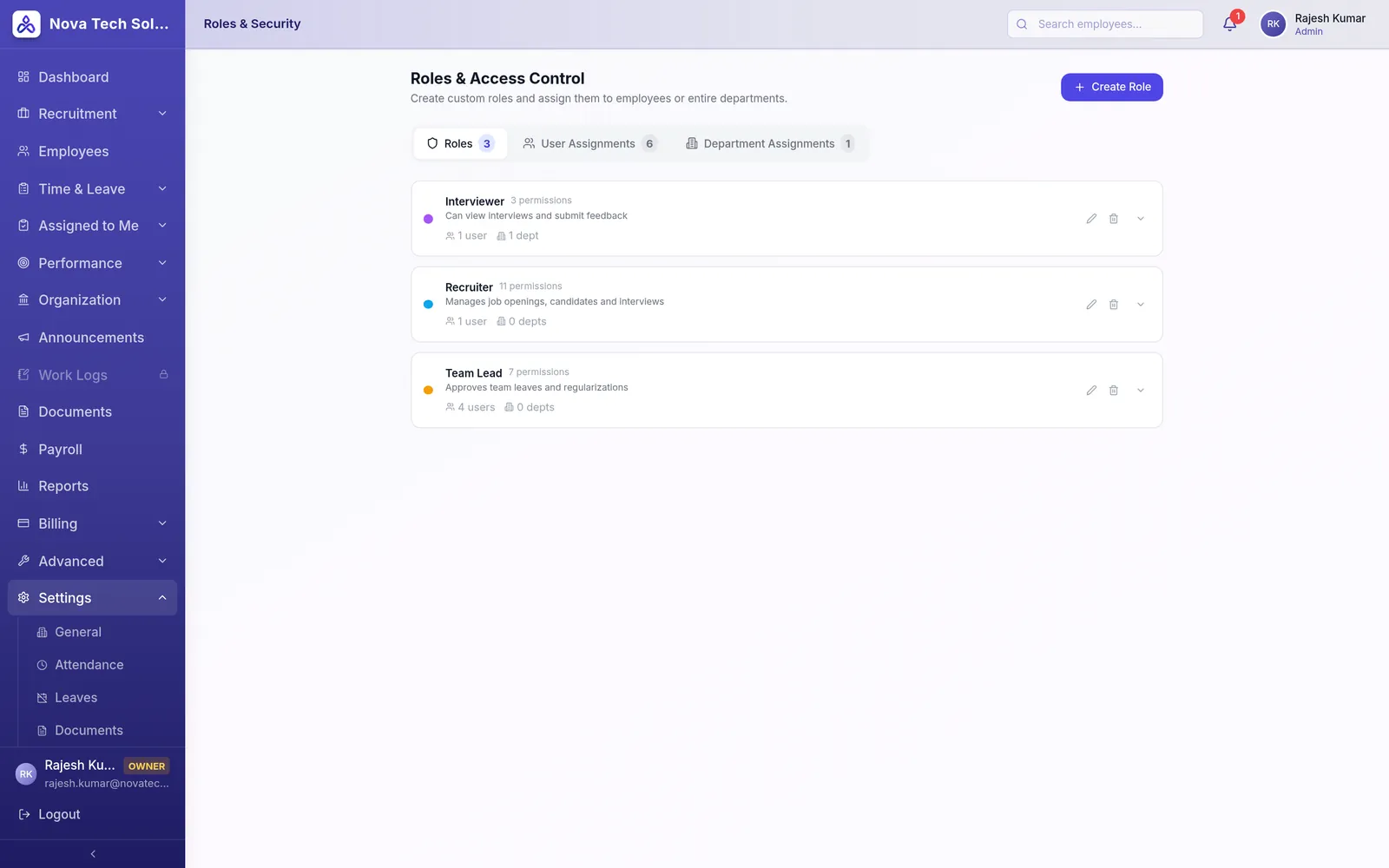
Roles & Security
Create custom roles with granular permissions and assign them to people or whole departments.
-
Notifications
Notification channels and the events that trigger alerts.
-
Document Settings
Define the document types to collect from every employee.
-
Employee Settings
Employee ID prefix, default role and status, probation and notice periods, and password rules.
What your business gains
Fits your policies
Not the other way around.
Consistent everywhere
Rules apply across every module.
Secure by design
Everyone sees only what they should.
Works seamlessly with
All featuresHire better. Manage smarter. Grow your people.
Start your free trial and see Settings working with the rest of your HR — in minutes.